

Local-only by default
Vault and USB encryption flows run on your Mac with no network service required.
Local-only encrypted vault for macOS
Aegiro protects files on-device with modern cryptography. No cloud dependency, no telemetry, and clear recovery workflows.
Vault and USB encryption flows run on your Mac with no network service required.
Built for post-quantum resilience against harvest-now/decrypt-later threats.
Aegiro is entirely open source and available on GitHub for transparent review.
What You Can Do
The runtime format uses a length-prefixed sequential layout: wraps, index, manifest, chunk map, then encrypted chunks.
Create/import/list/export plus doctor, verify, status, backup, and restore for maintainable vault operations.
APFS and USB container recovery bundles combine Kyber512 with Argon2id and AES-GCM wraps.
Use APFS in-place encryption, portable encrypted sparsebundles, or usb-vault-pack for non-APFS user data.
USB Protection Options
apfs-volume-encrypt / apfs-volume-decrypt
Runs in-place APFS volume encryption through diskutil and saves a target-bound recovery bundle (*.aegiro-diskkey.json).
usb-container-*
Creates an encrypted APFS sparsebundle on exFAT/FAT/NTFS/APFS hosts plus a recovery bundle (*.aegiro-usbkey.json).
usb-vault-pack
Scans user files, skips system metadata paths, and packs content into an AGVT vault with optional --delete-originals cleanup.
Screenshots & mockups
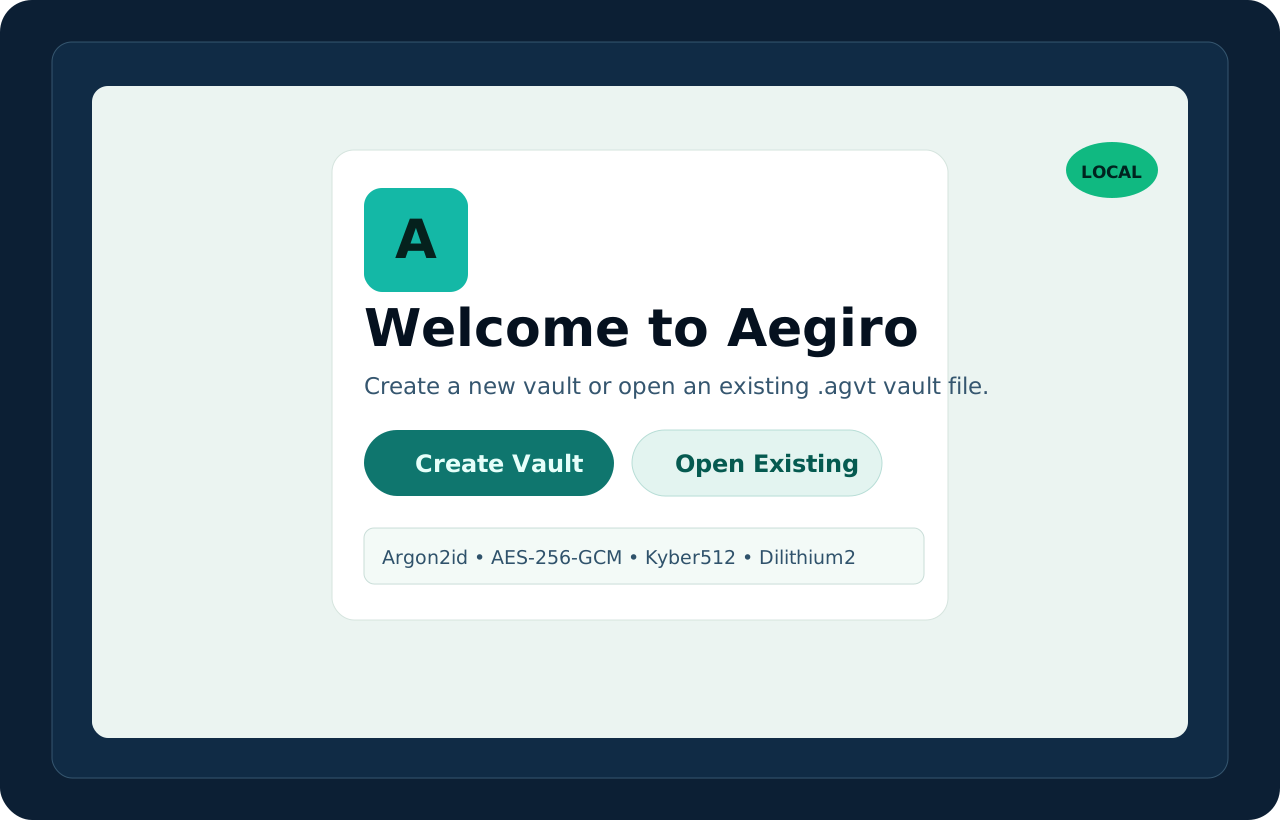
Simple start screen to create a new vault or open one you already have.

Main workspace with lock status, file browsing, and quick security actions.
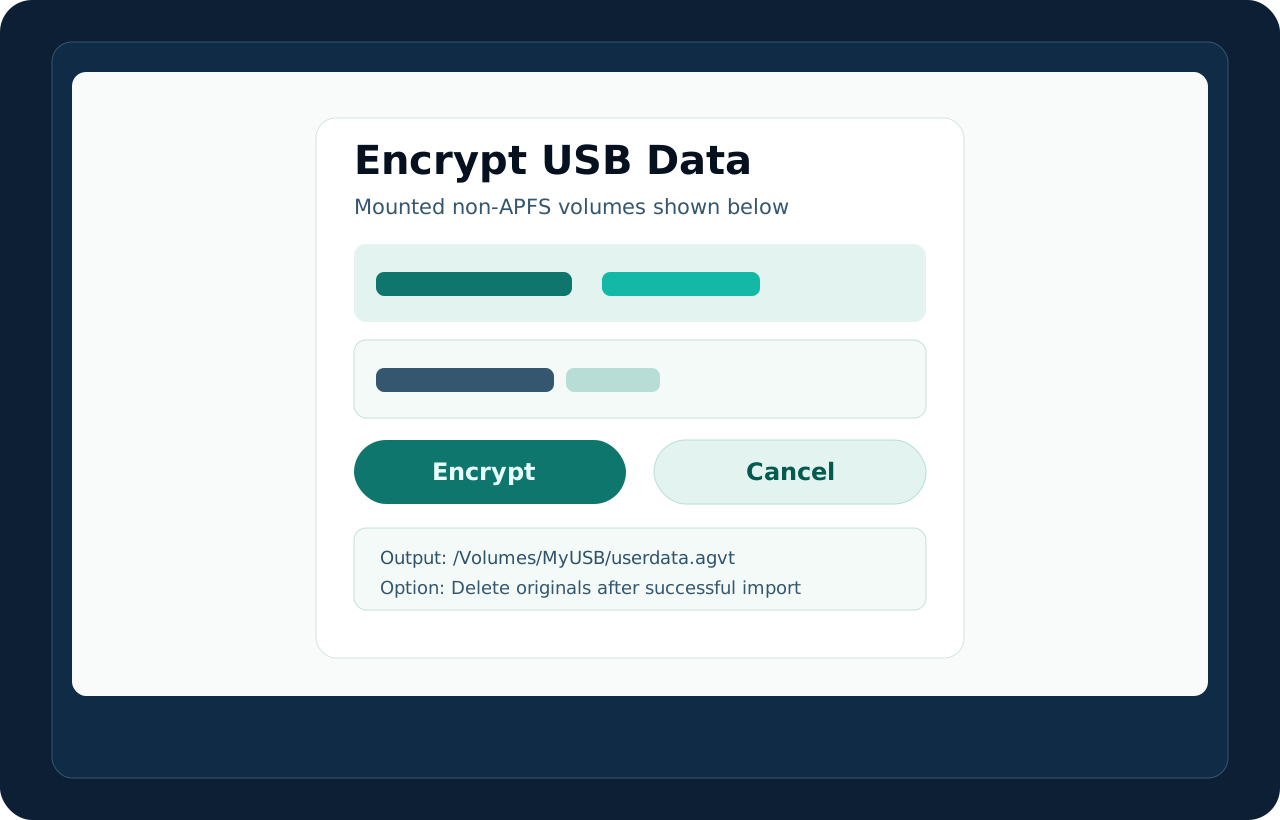
Dedicated USB Encryption page for APFS volume encrypt/decrypt, container workflows, and usb-vault-pack.
Download Options
Download a prebuilt app package for macOS with post-quantum key protection. Current builds are unsigned, so macOS may show a first-launch warning.
If you see “Aegiro” Not Opened, open System Settings > Privacy & Security, then in the Security section, click Open Anyway for Aegiro.
Build from source if you want full control, local verification, and transparent review of the code.